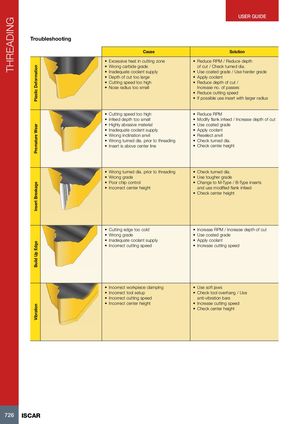
| Plastic Deformation | Cause • Excessive heat in cutting zone • Wrong carbide grade • Inadequate coolant supply • Depth of cut too large • Cutting speed too high • Nose radius too small | Solution • Reduce RPM / Reduce depth of cut / Check turned dia. • Use coated grade / Use harder grade • Apply coolant • Reduce depth of cut / Increase no. of passes • Reduce cutting speed • If possible use insert with larger radius |
| Premature Wear | • Cutting speed too high • Infeed depth too small • Highly abrasive material • Inadequate coolant supply • Wrong inclination anvil • Wrong turned dia. prior to threading • Insert is above center line | • Reduce RPM • Modify flank infeed / Increase depth of cut • Use coated grade • Apply coolant • Reselect anvil • Check turned dia. • Check center height |
| Insert Breakage | • Wrong turned dia. prior to threading • Wrong grade • Poor chip control • Incorrect center height | • Check turned dia. • Use tougher grade • Change to M-Type / B-Type inserts and use modified flank infeed • Check center height |
| Build Up Edge | • Cutting edge too cold • Wrong grade • Inadequate coolant supply • Incorrect cutting speed | • Increase RPM / Increase depth of cut • Use coated grade • Apply coolant • Increase cutting speed |
| Vibration | • Incorrect workpiece clamping • Incorrect tool setup • Incorrect cutting speed • Incorrect center height | • Use soft jaws • Check tool overhang / Use anti-vibration bars • Increase cutting speed • Check center height |
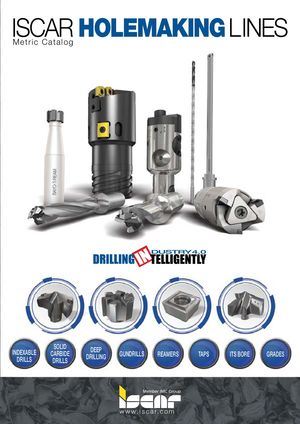 Каталог Iscar сверла со сменной режущей частью 2022
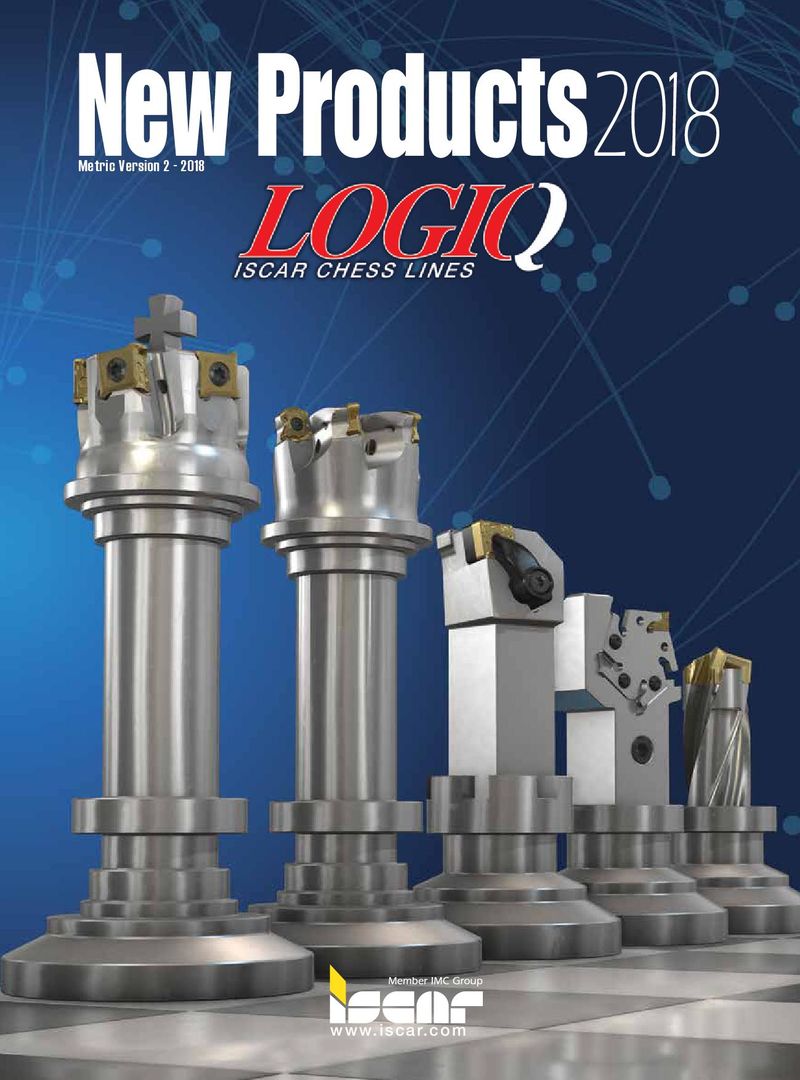 Каталог Iscar новые продукты 2018
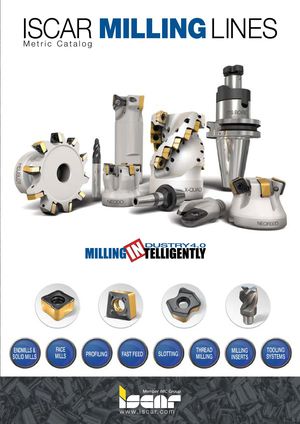 Каталог Iscar концевые фрезы со сменными пластинами 2022
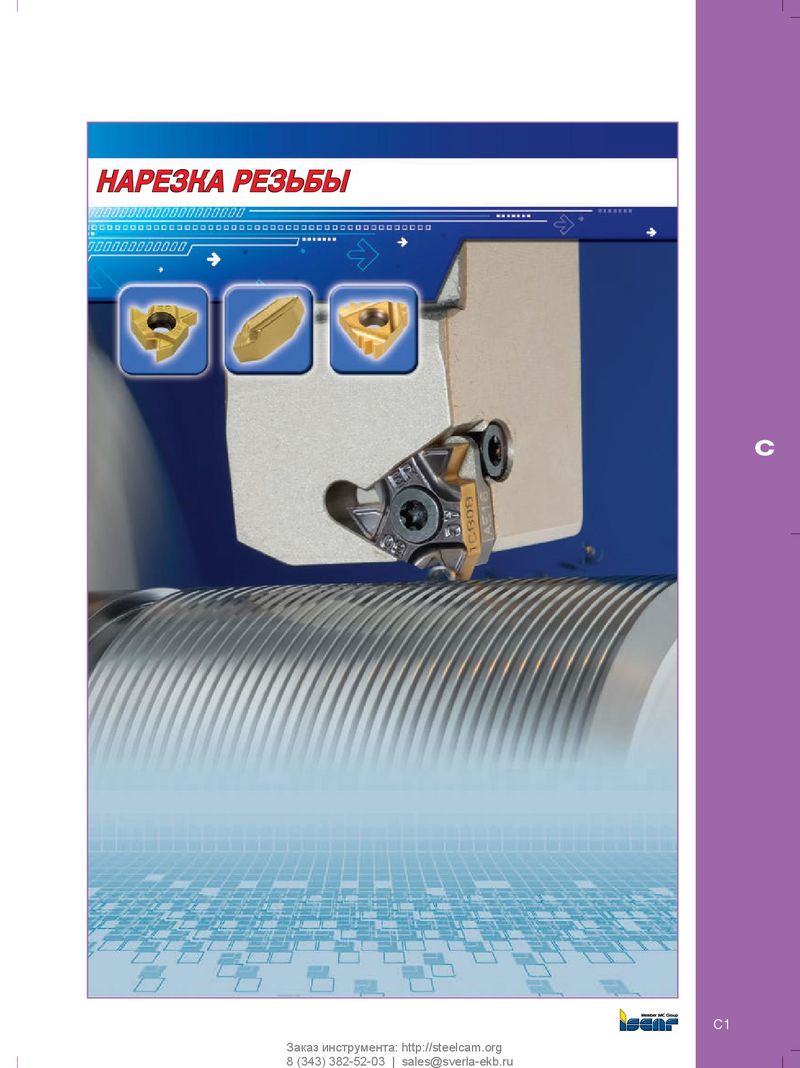 Каталог Iscar инструмент для нарезания резьбы
 Каталог Iscar отрезка 2022
 Каталог Iscar торцевые фрезы 2022